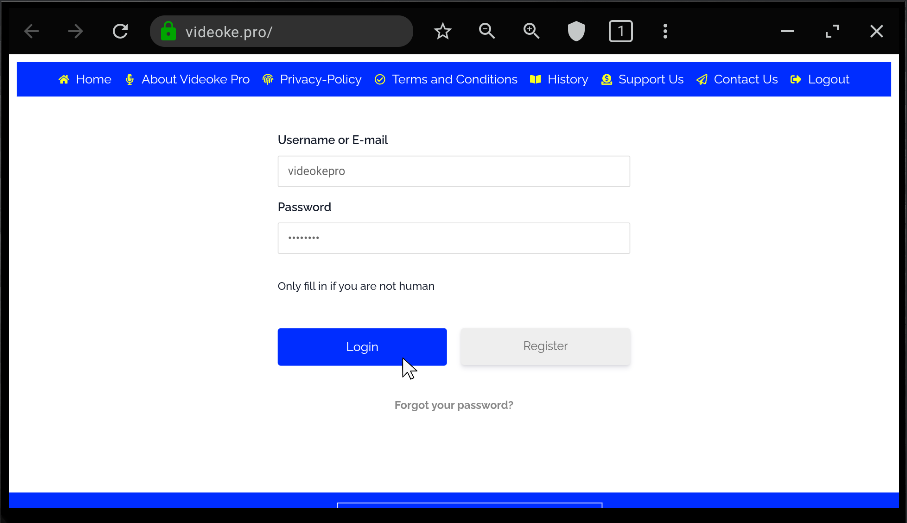
Login using a browser
Open a browser such as Chrome or a TV browser to log in to Videoke Pro.
Enter "https://videoke.pro" in the address bar, enter your login credentials, and then click the Login button.
Open a browser such as Chrome or a TV browser to log in to Videoke Pro.
Enter "https://videoke.pro" in the address bar, enter your login credentials, and then click the Login button.
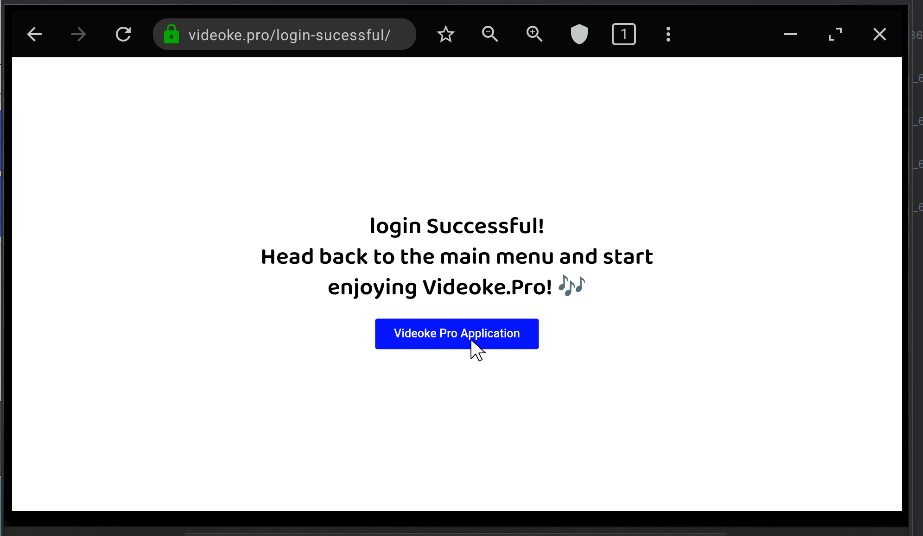
After logging in, navigate to the Videoke Pro application by clicking the Videoke Pro Application button.
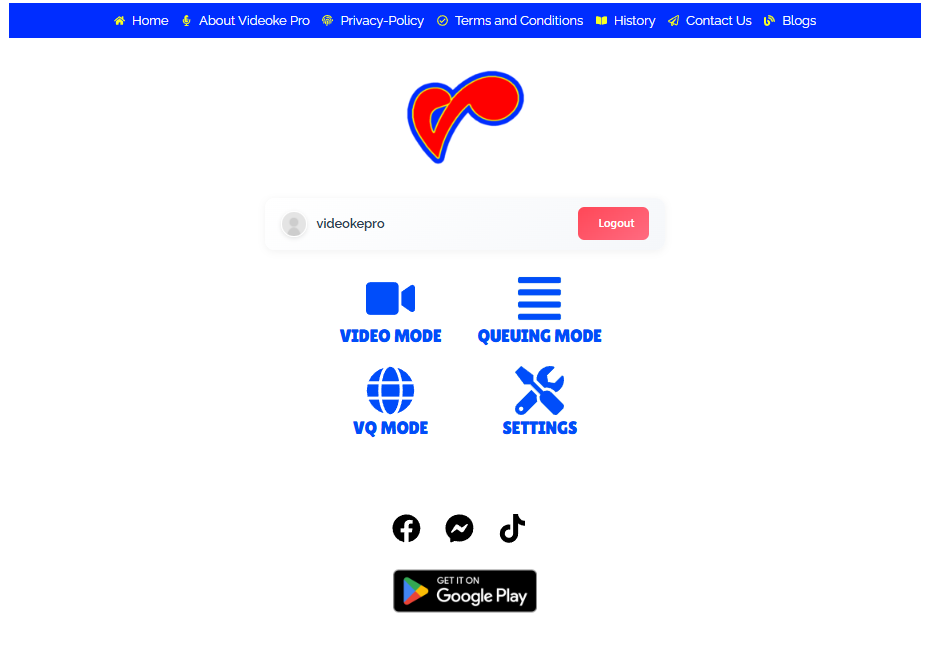
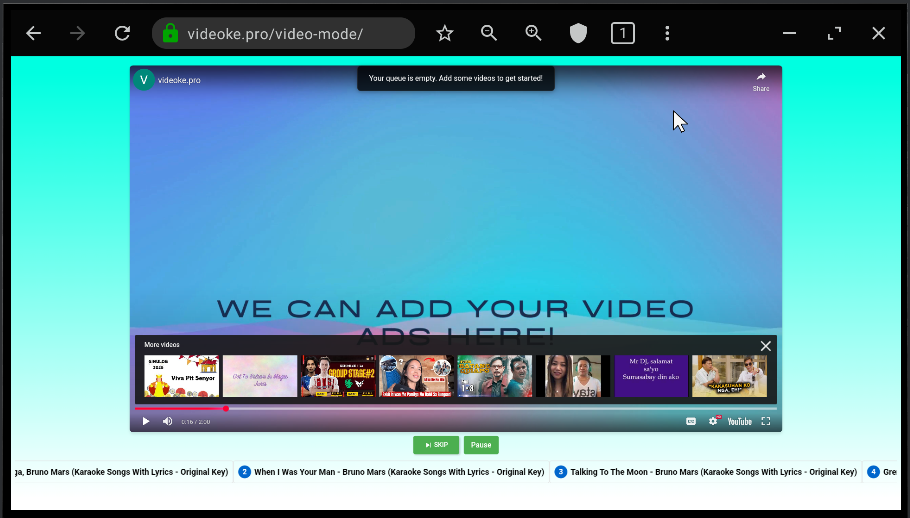
Enjoy the Video Mode experience on your TV or PC. You can now use your mobile device to add songs to the karaoke queue. You can also use your browser's zoom feature (Ctrl + or pinch to zoom) to adjust the screen to your preferred size.